Data Governance

info
Follow the steps mentioned below to share Amorphic datasets with other users and to create rules to govern data access
Share Dataset
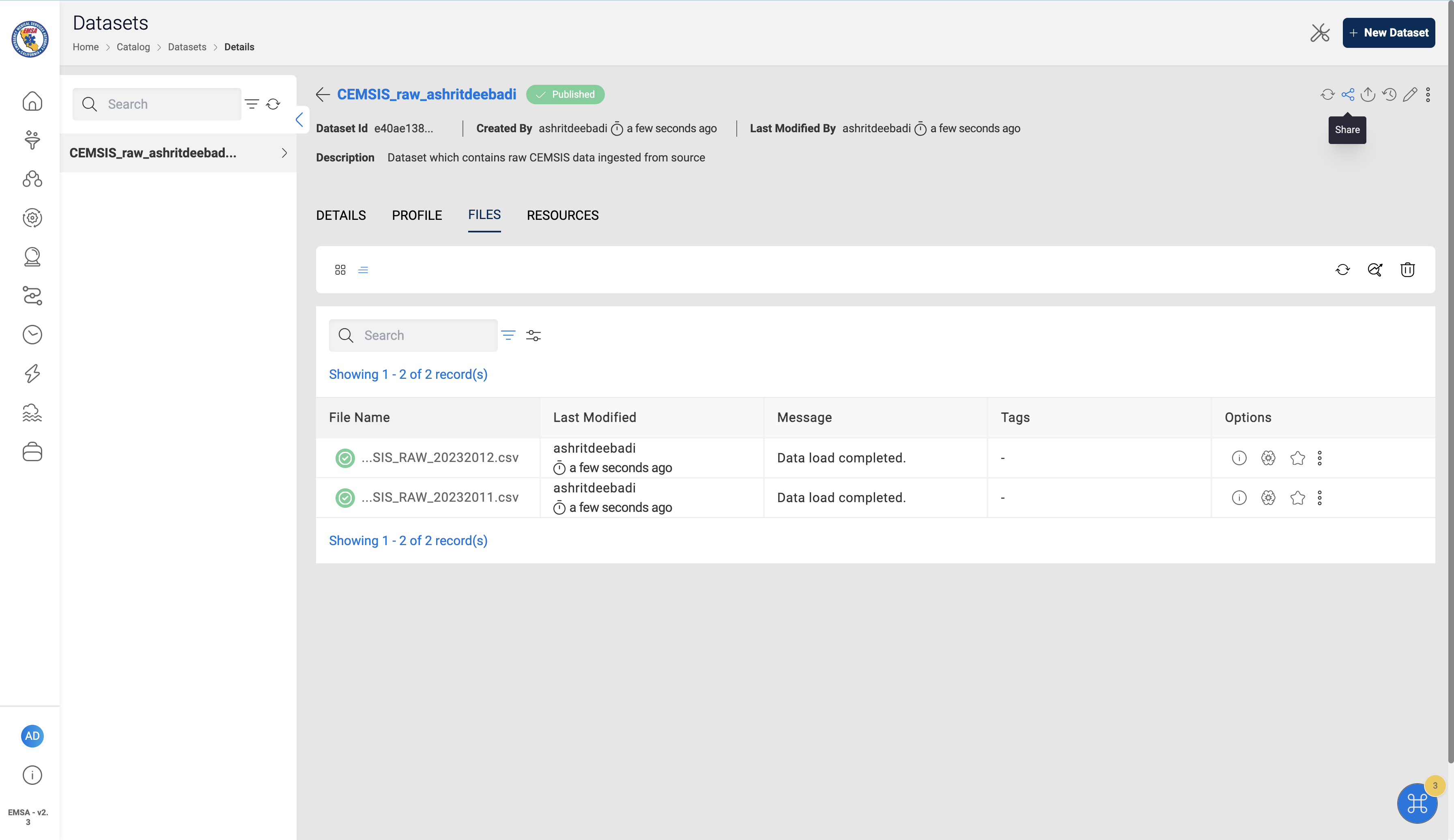
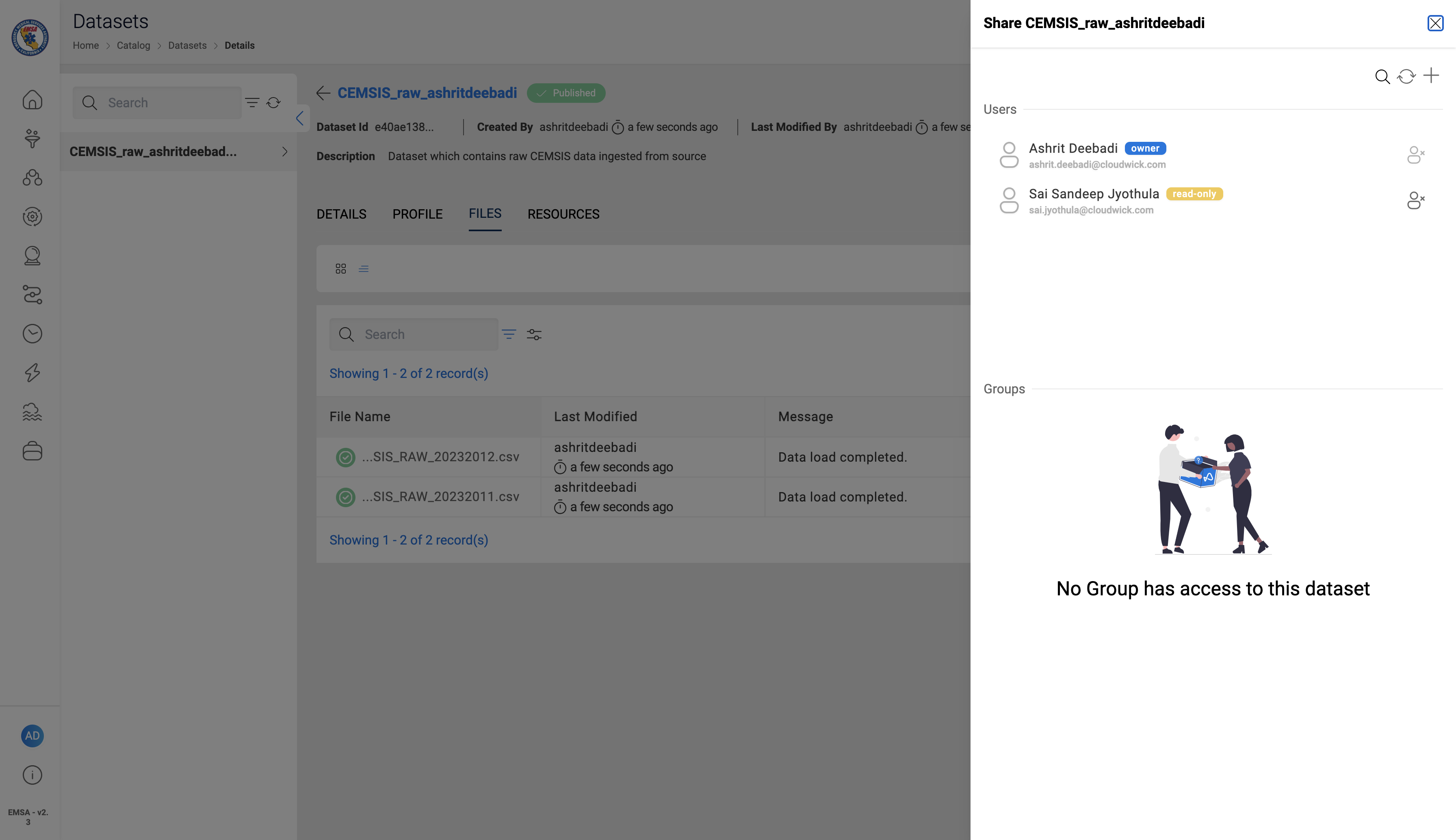
- Click on the share icon on the options bar on the top right corner of the dataset details page
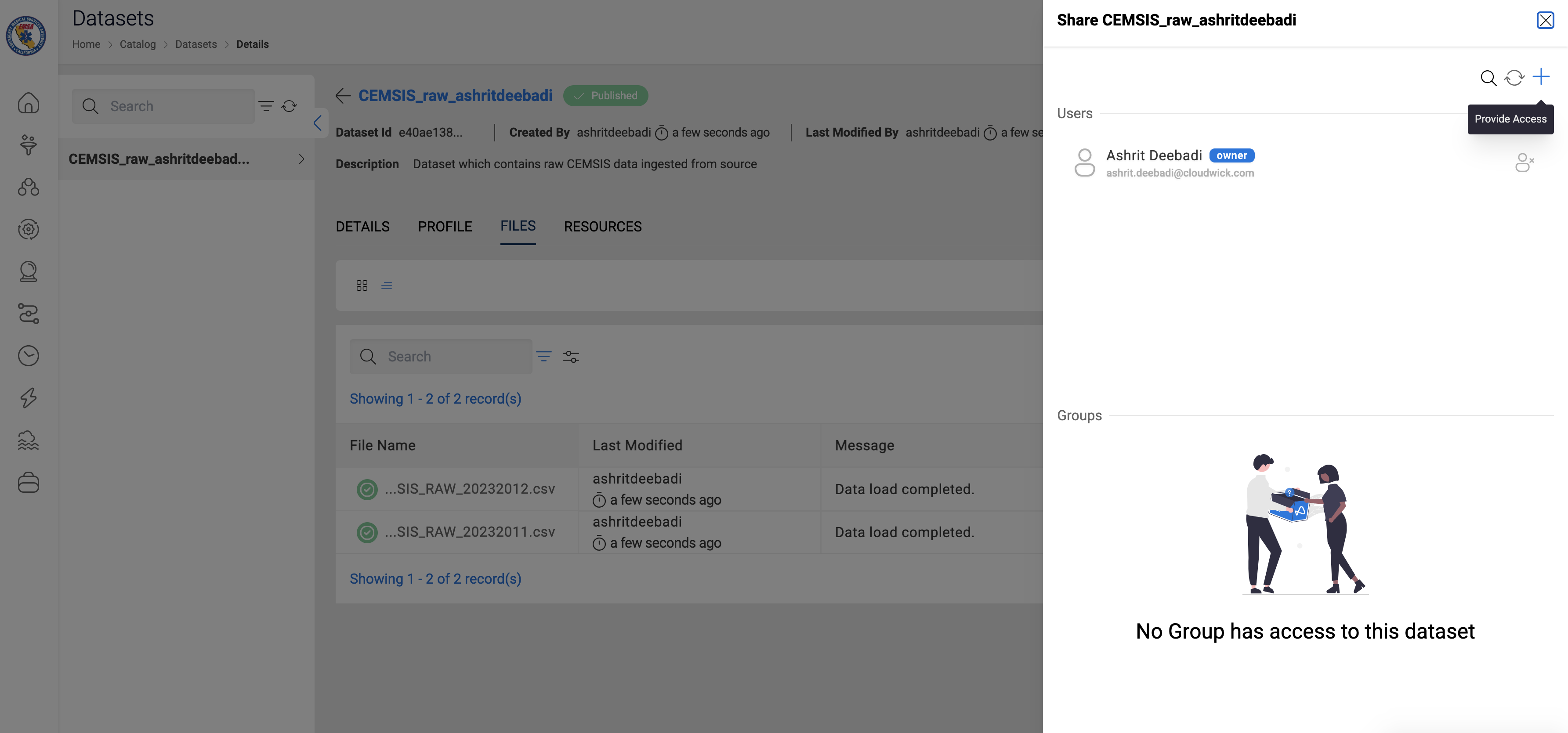
- Click on the
+icon to provide access to other users
- Select a user from the Users list dropdown and Select the Access Type
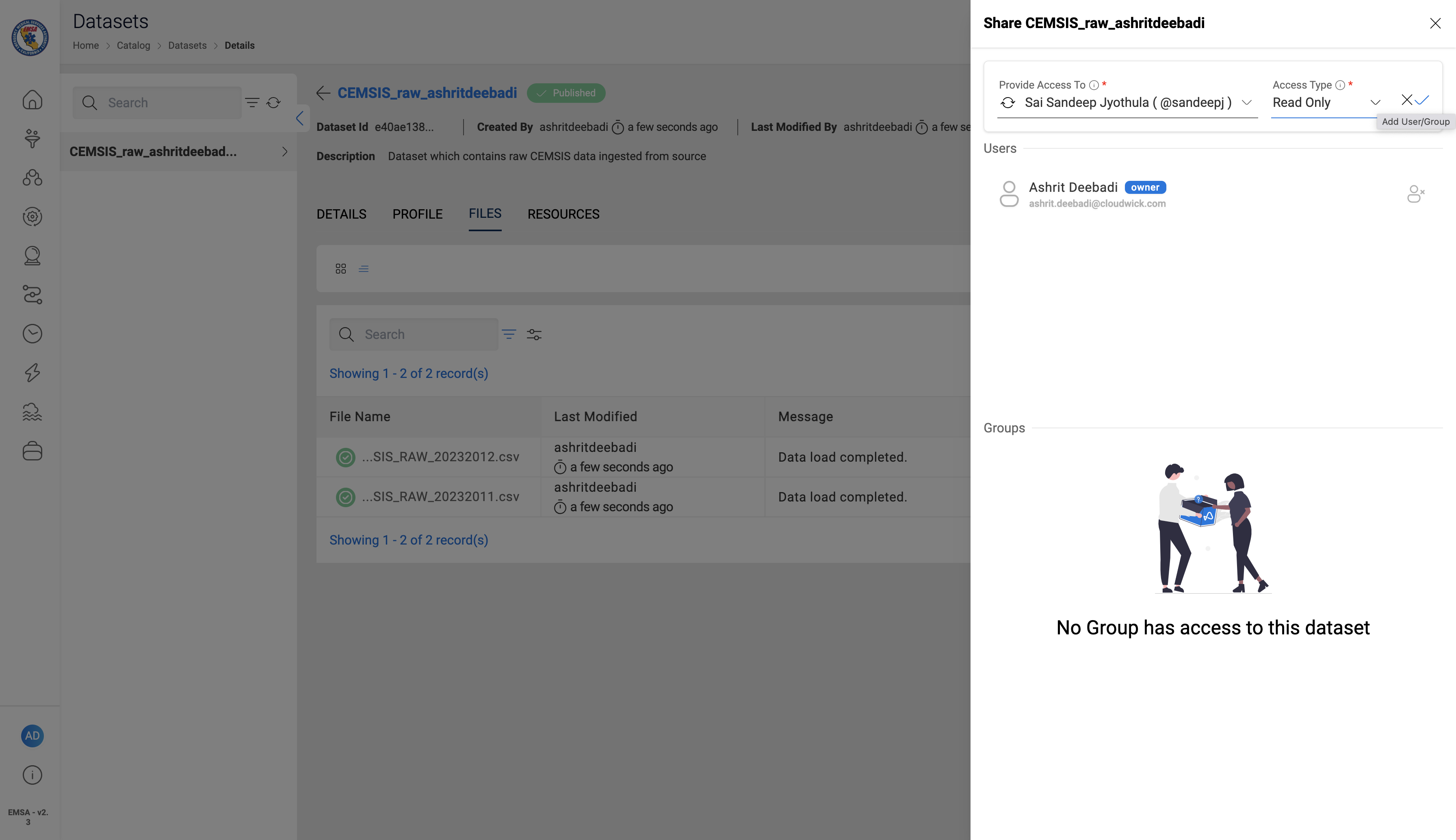
- Confirm the user is added to the access list
Setup Data Access Rules
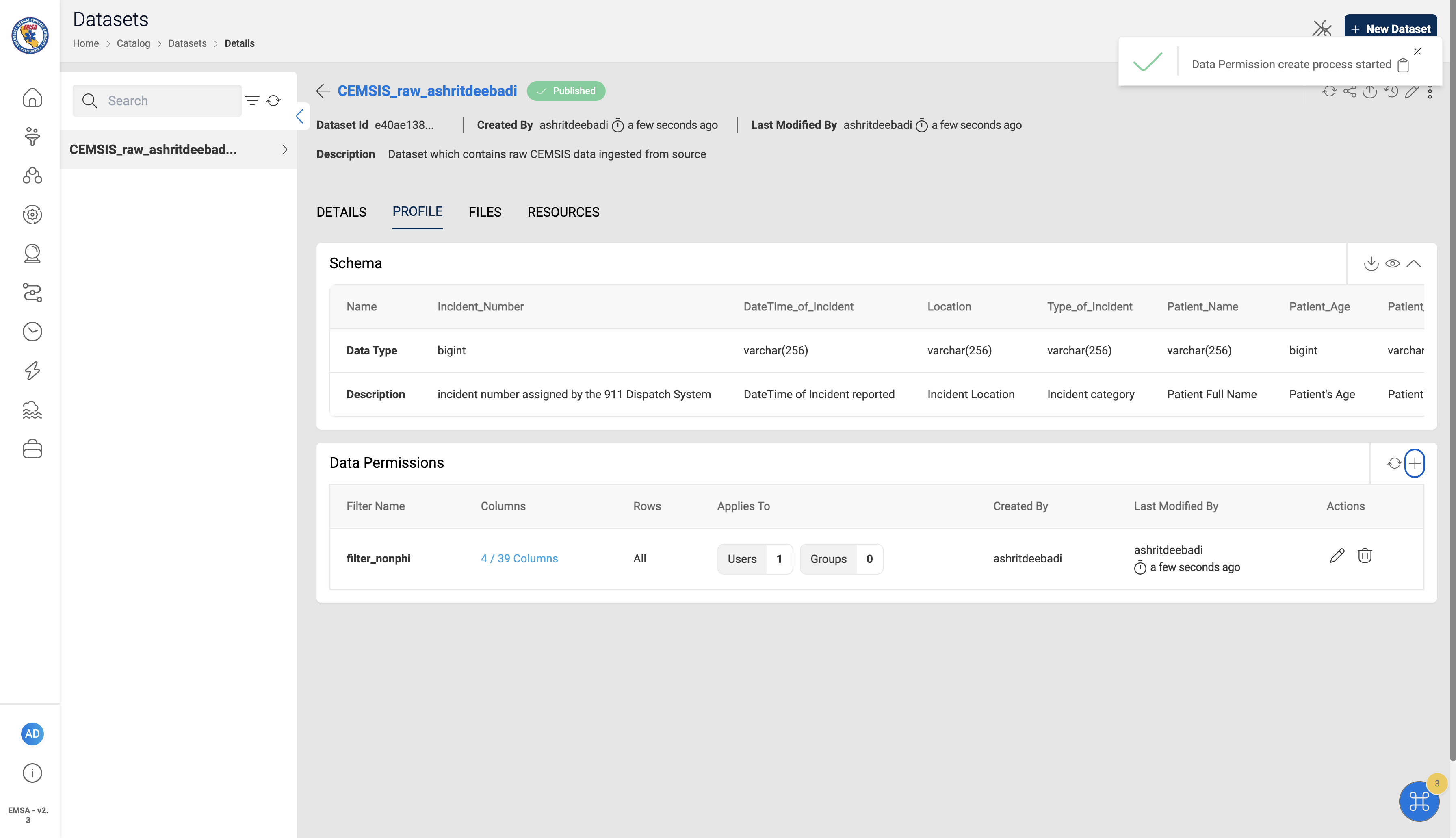
Navigate to Dataset Profile
- Click on the
PROFILEsection on the dataset navbar
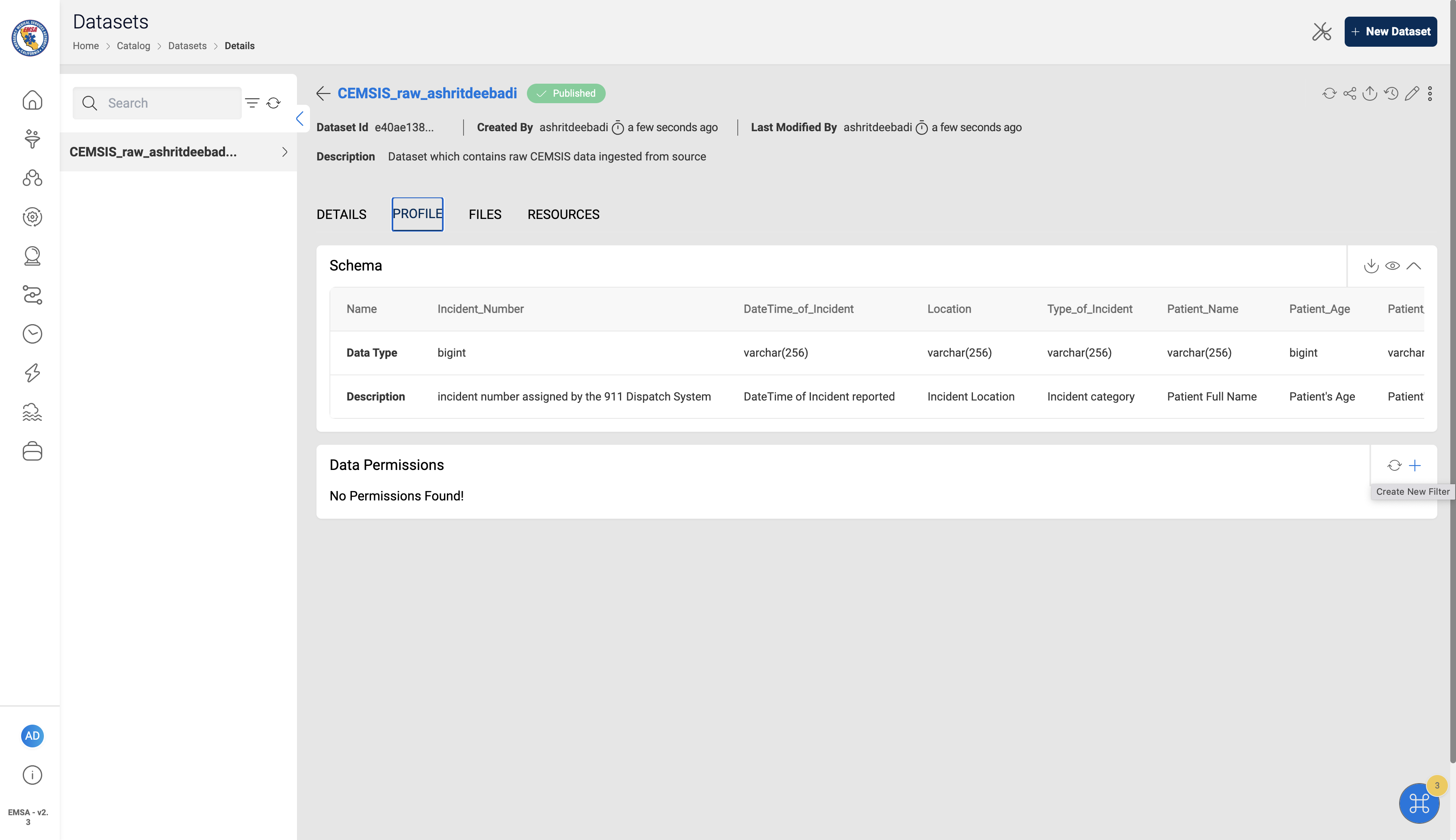
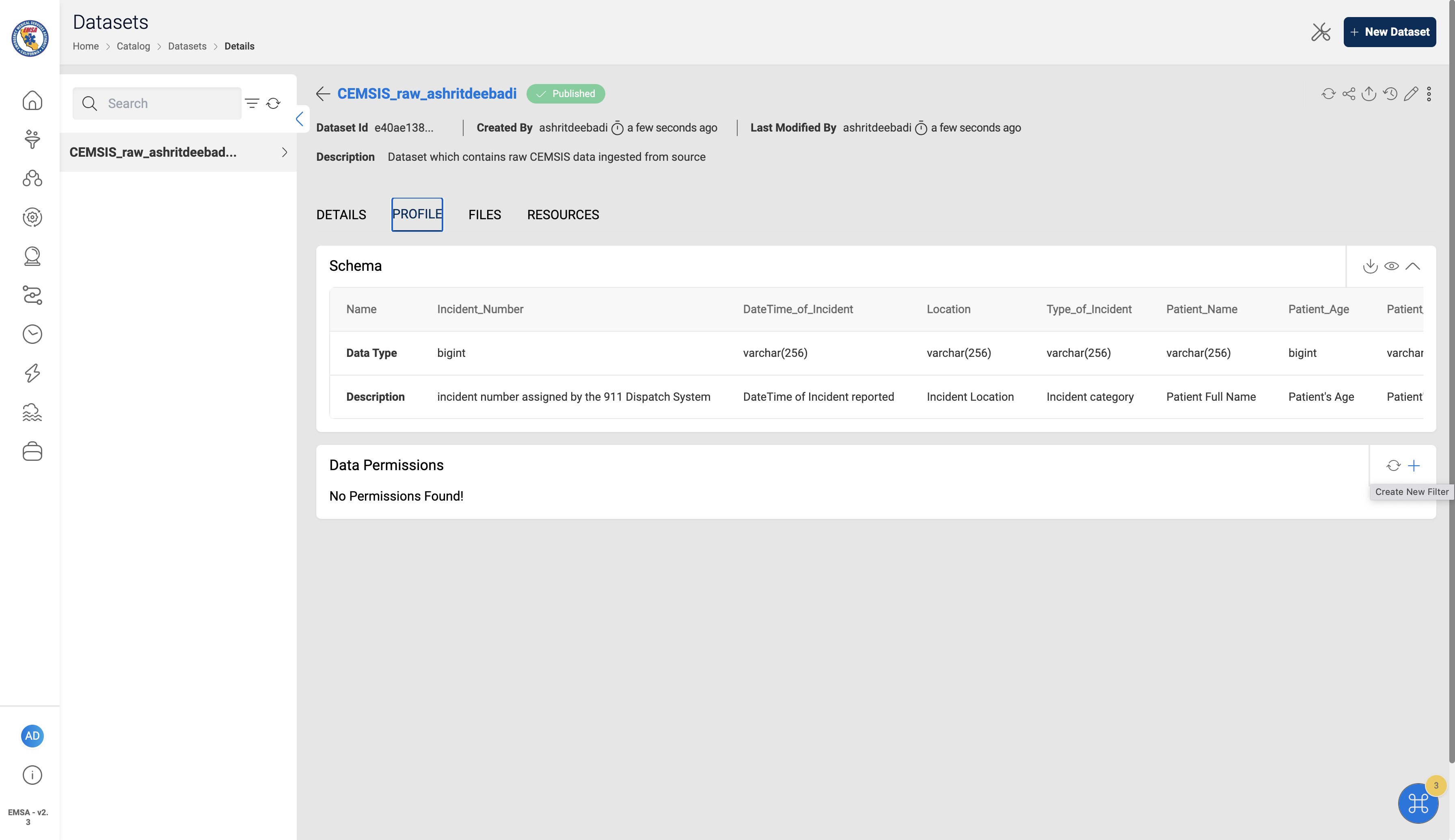
- Click on the
+icon ion the Data Permissions section to create a new permission rule or filter
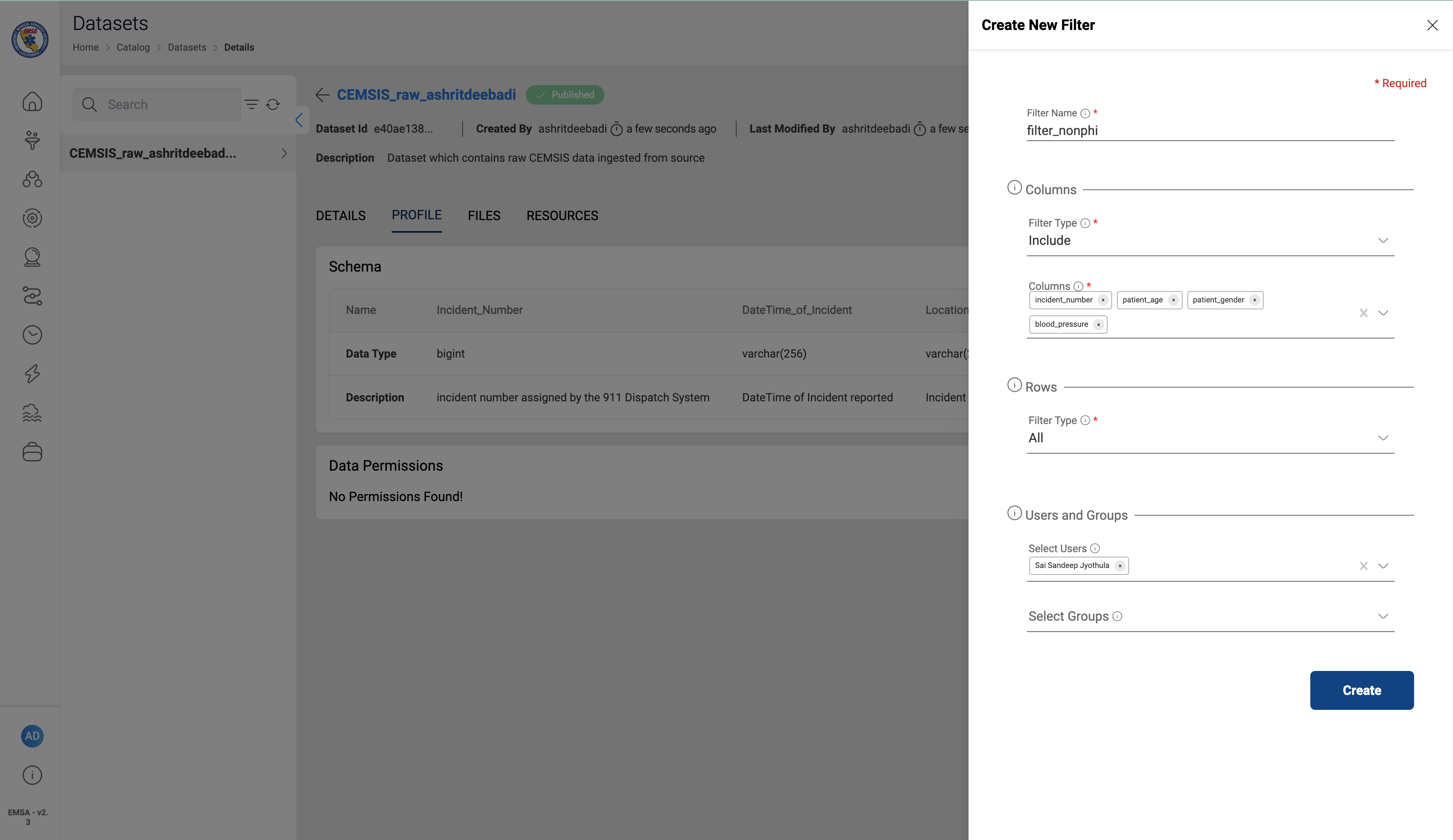
- Provide the details as required and Click on
Create
- All the Data Permission rules can be monitored under the Profile Section of the Dataset
Note
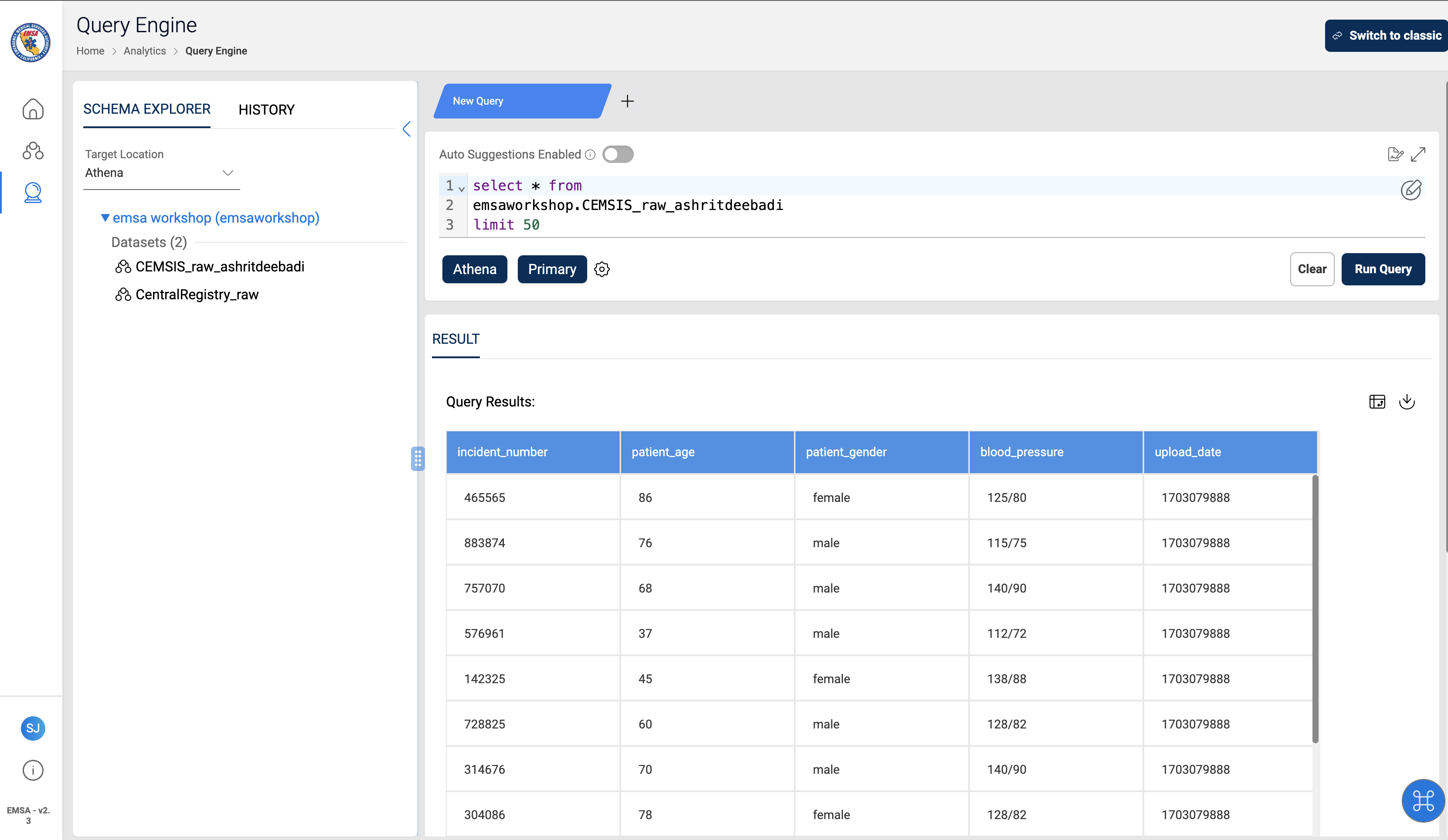
Below are the the sample query results for a user with data governance rules applied. Users will only be able to query the columns that they were given access to.