Create Dataset

info
Follow the steps mentioned below to create an Amorphic Dataset
Create Dataset
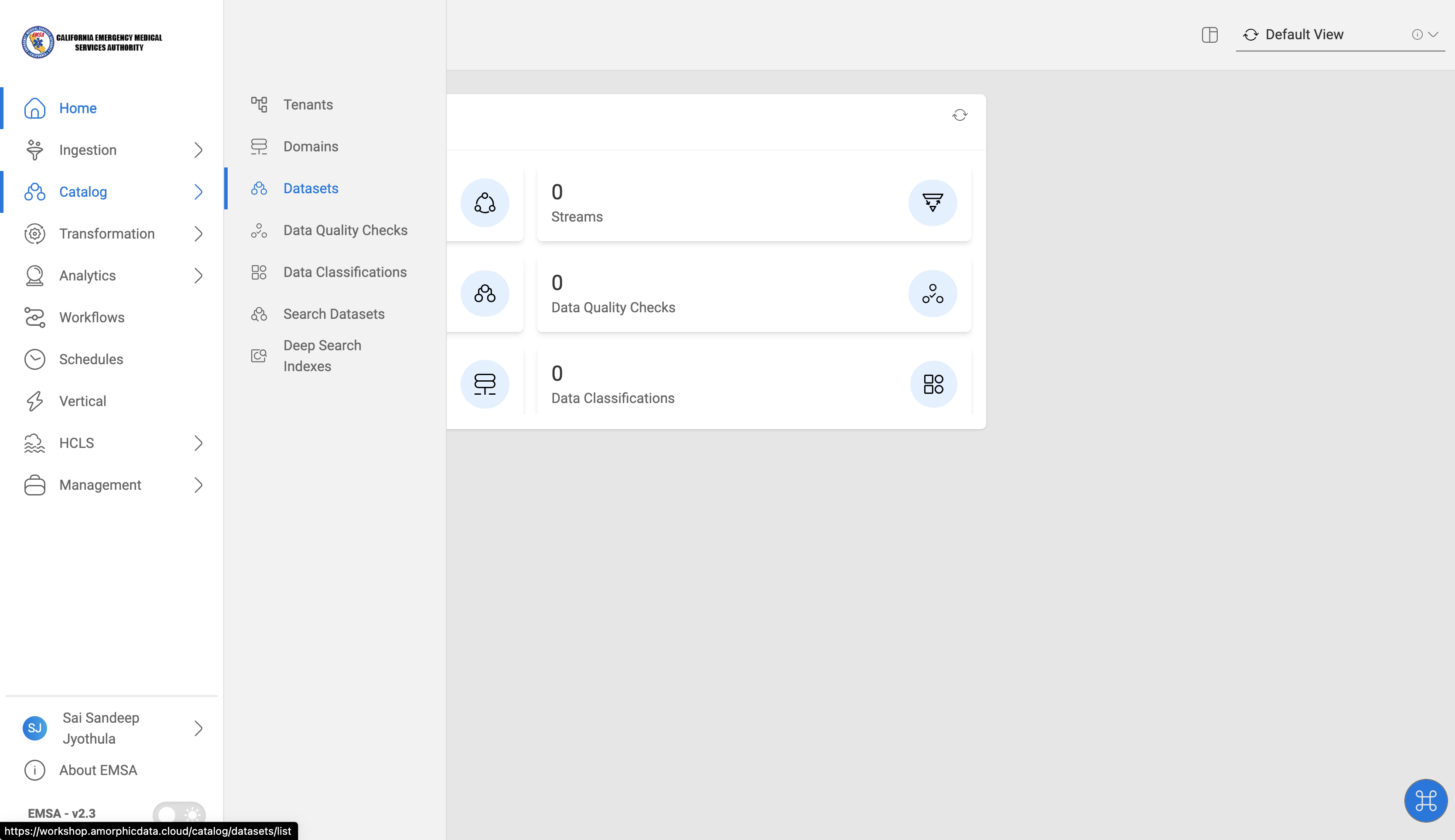
Navigate to Datasets in Amorphic
- Click on
Catalog-->Datasetson the left side navigation-bar.
New Dataset
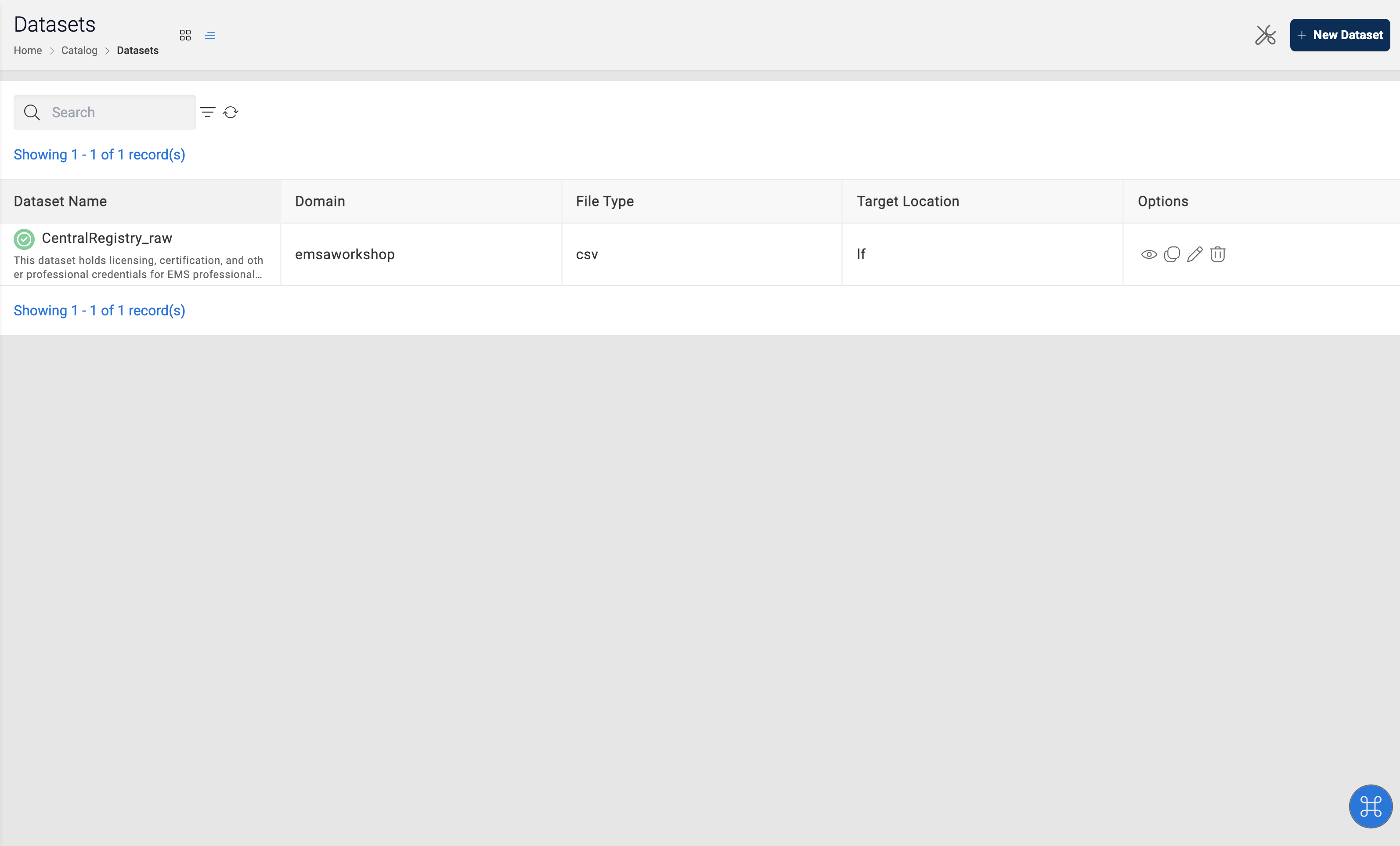
- Click on
+ New Dataseton the top right corner of the datasets page
Dataset details
- Provide all the dataset details as required and Click
Next
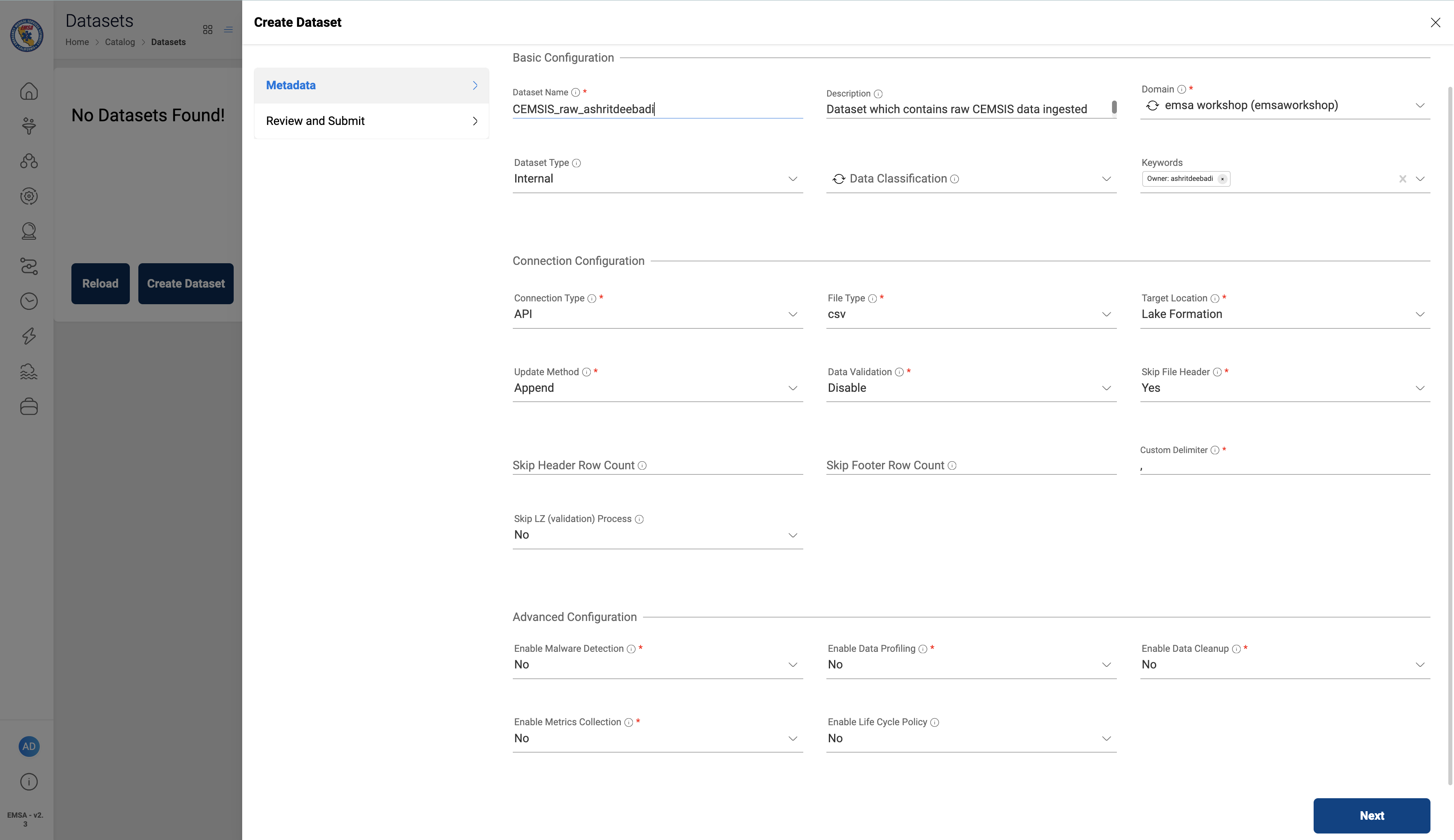
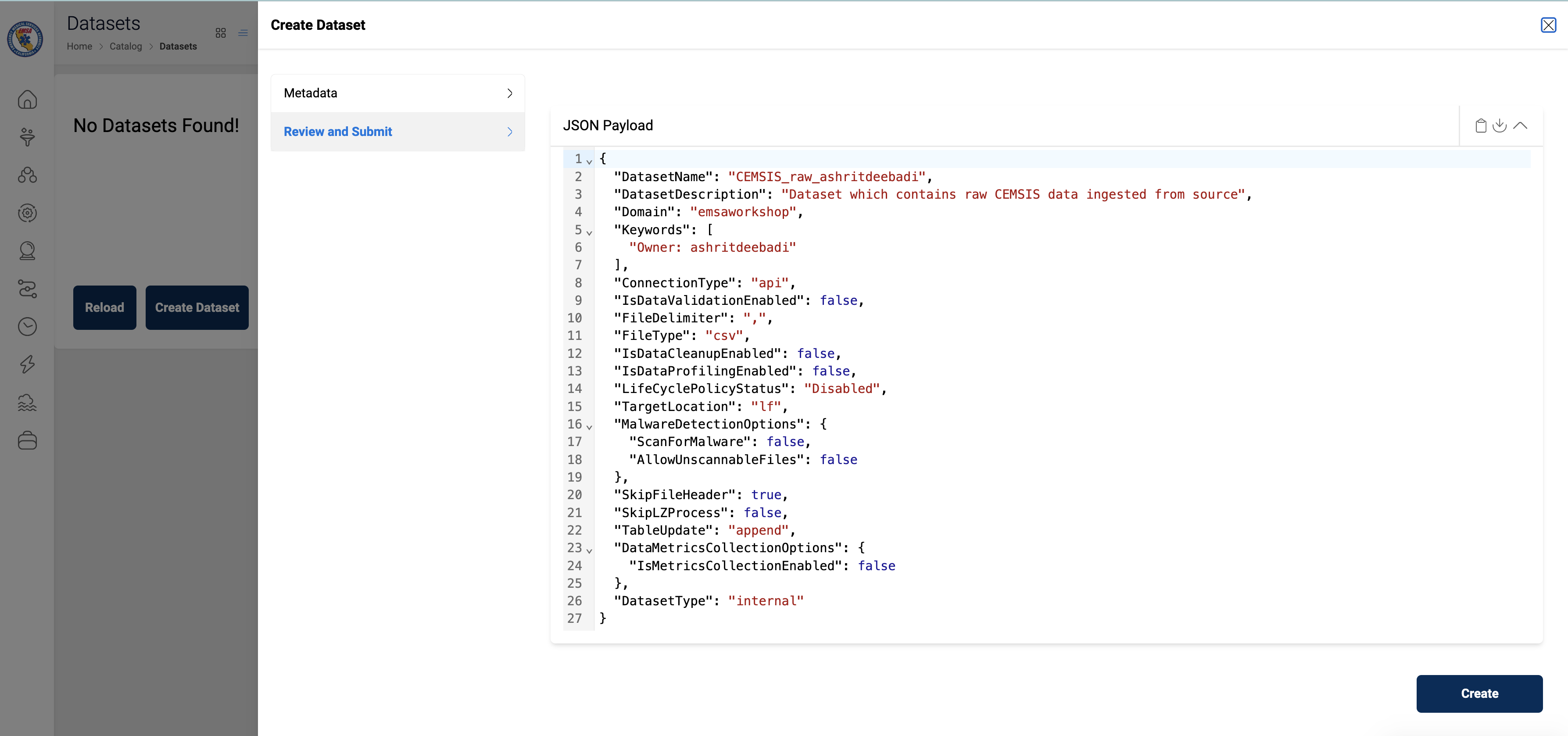
"Dataset Name" : "CEMSIS_raw_<username>"
"Description" : "This dataset provides important background information about \
                the patient's health status, emergency medical services (EMS) crew's \
                decision-making process and treatment protocols."
"Domain" : "emsaworkshop"
"Dataset Type" : "Internal"
"Connection Type" : "api"
"File Type" : "csv"
"Target Location" : "Lake Formation"
"Update Method" : "Append"
"Data Validation": "Disable"
"Skip File Header": "Yes"
"Custom Delimiter": ","
"Enable Malware Detection" : "No"
"Enable Data Profiling" : "No"
"Enable Data Cleanup" : "No"
"Enable Metrics Collection" : "No"
"Enable Life Cycle Policy" : "No"
Review and Submit
- Review the dataset details and Click on
Create
note
Download the Sample File for Schema Extraction
Register Schema
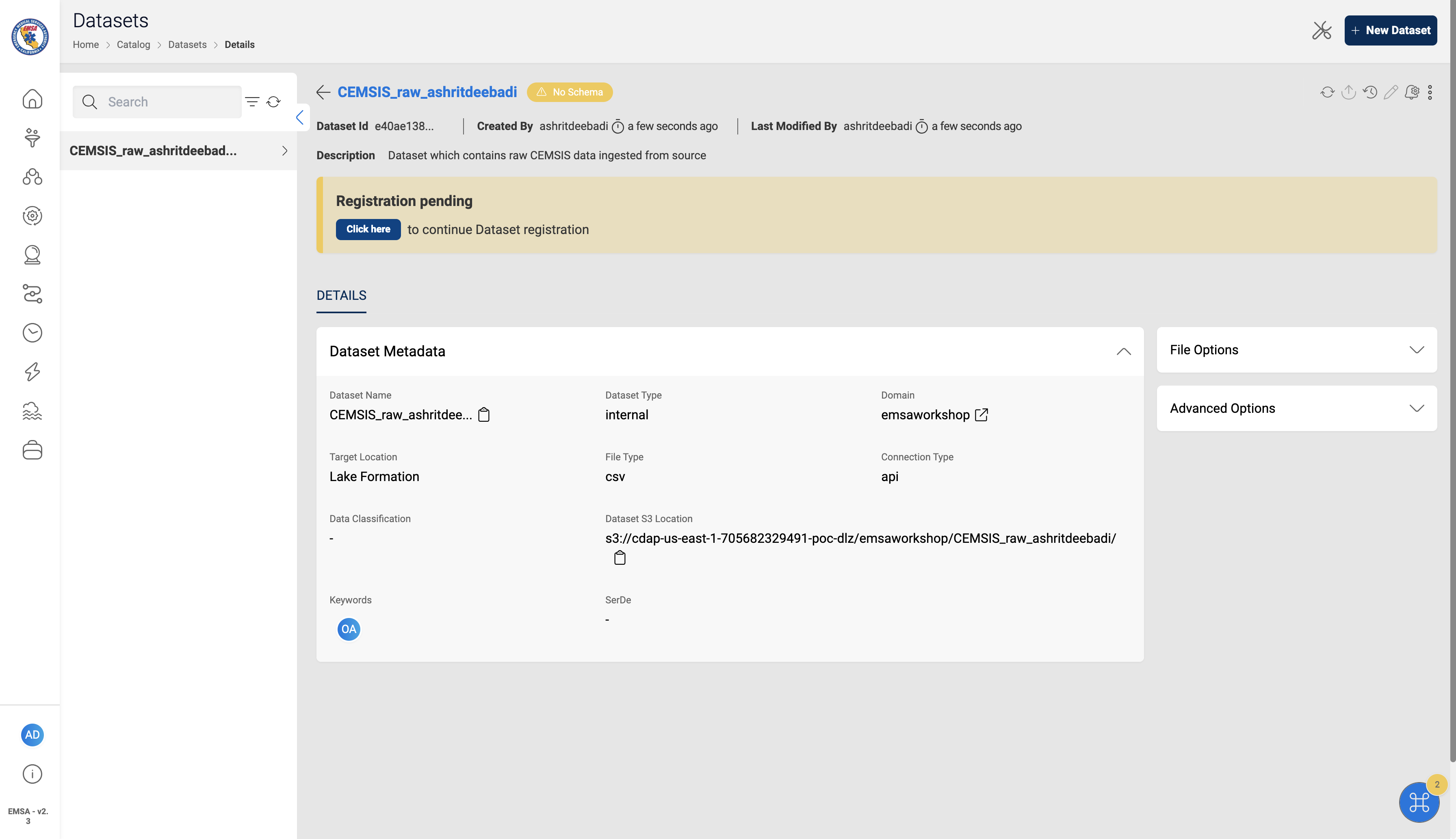
- Click on the
Registration pendingbanner to provide a schema for the dataset
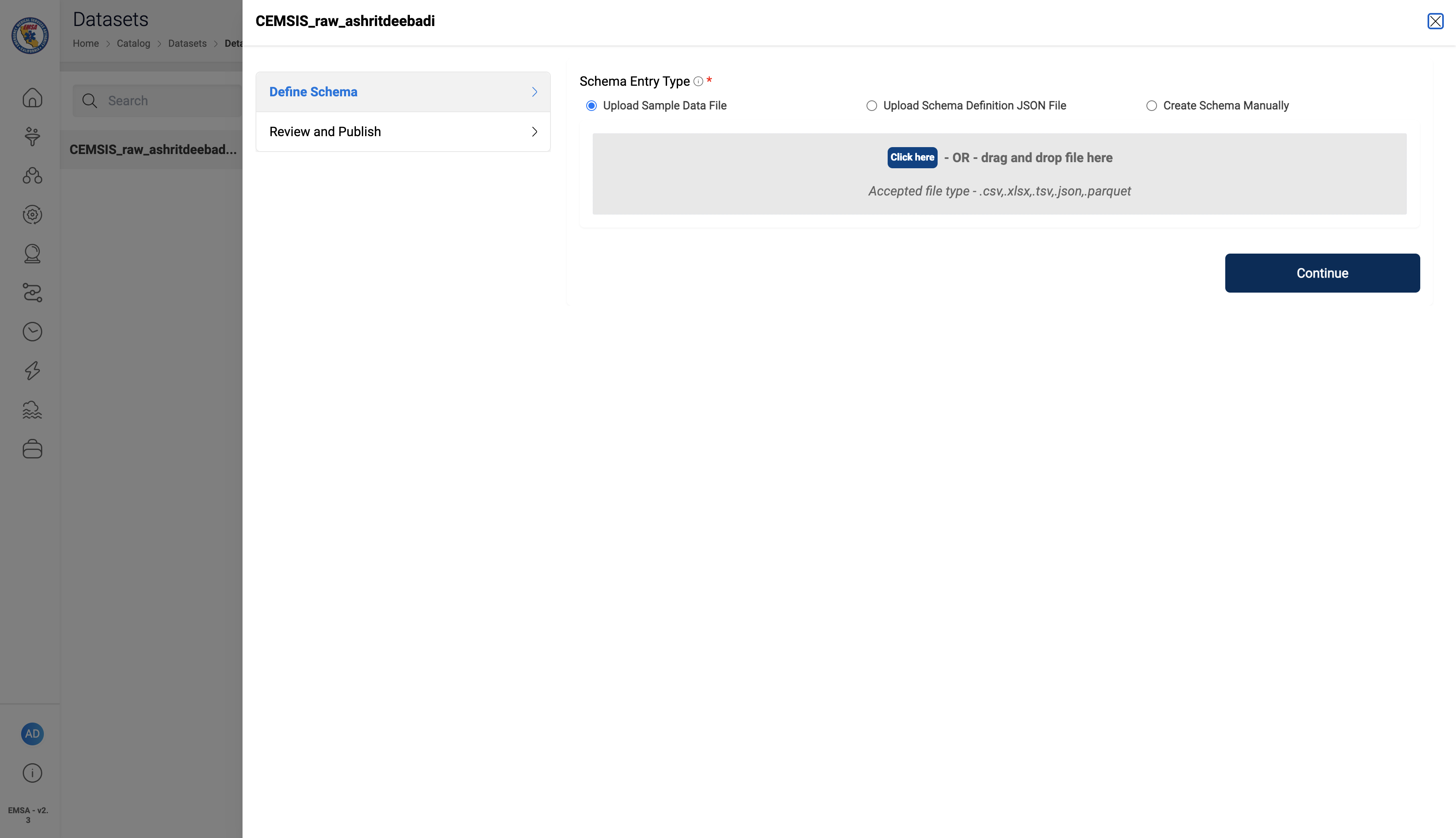
- Upload sample data file
Note
The sample file upload here is for schema extraction only, data files will be added to the dataset in the next steps.
- Amorphic will auto extract the dataset schema from the sample file.
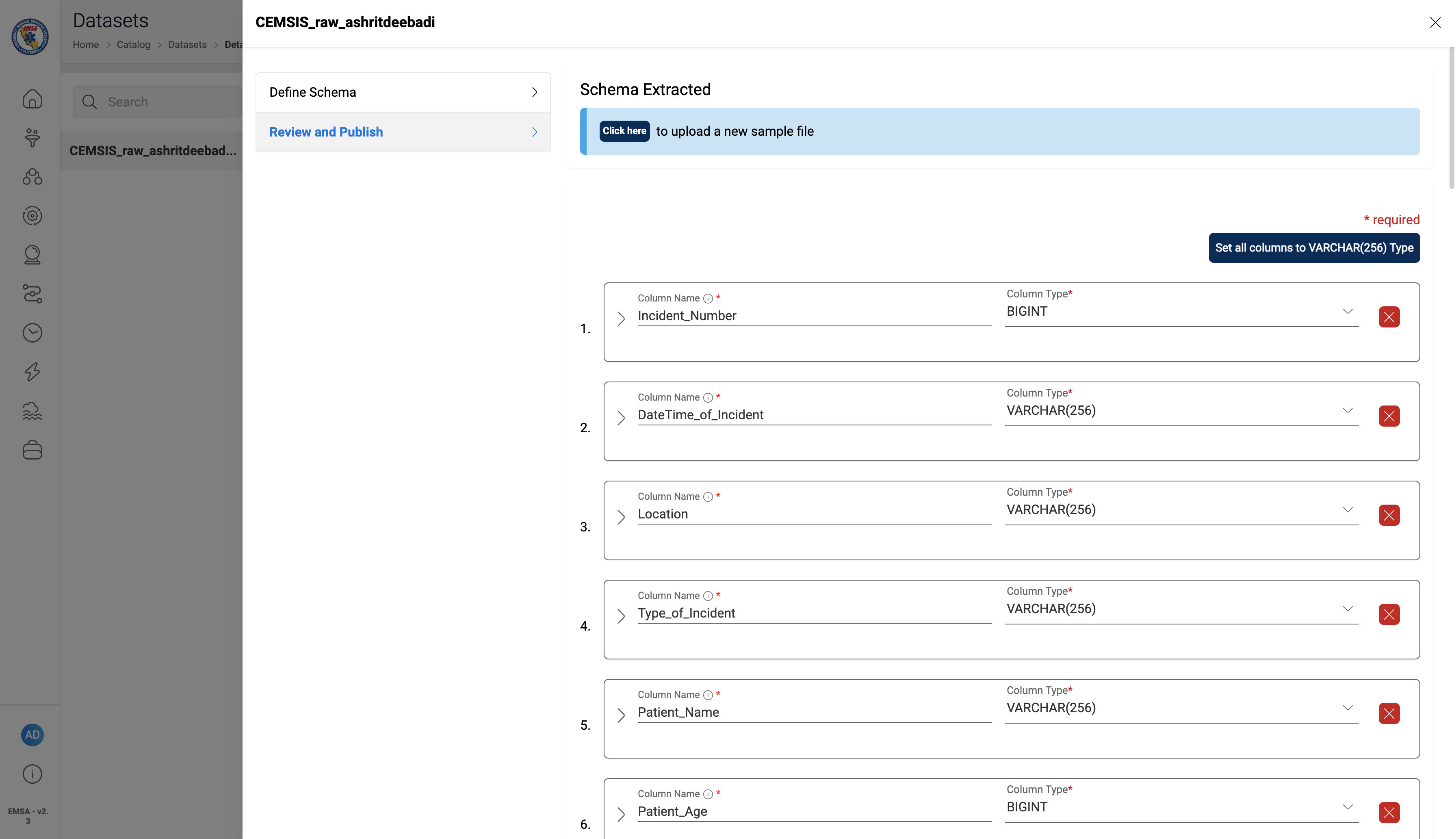
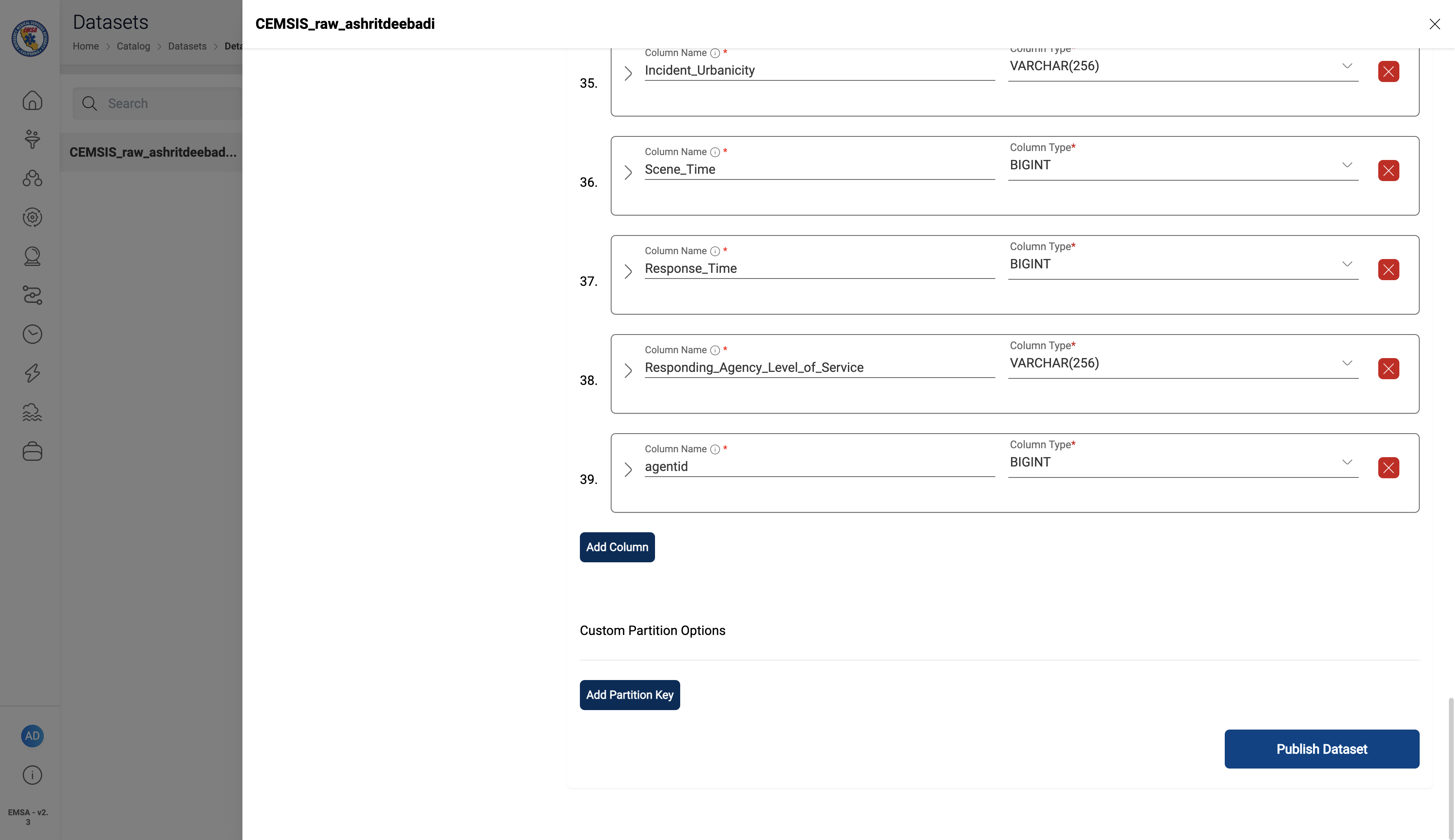
- Reveiw the schema and Click
Publish Dataset
Published Dataset
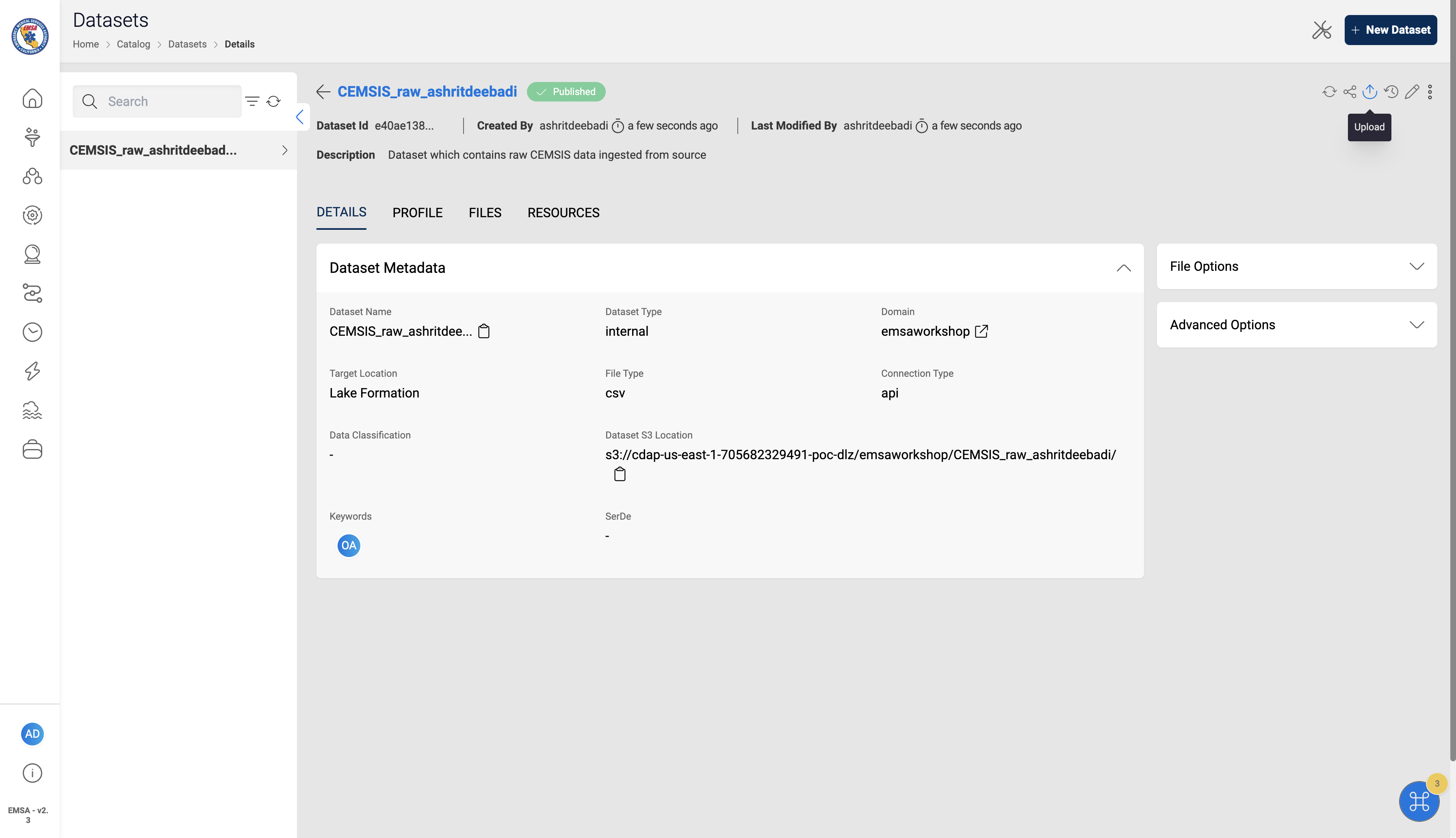
Upload Data Files
note
Download the Sample Data File 1 and Sample Data File 2
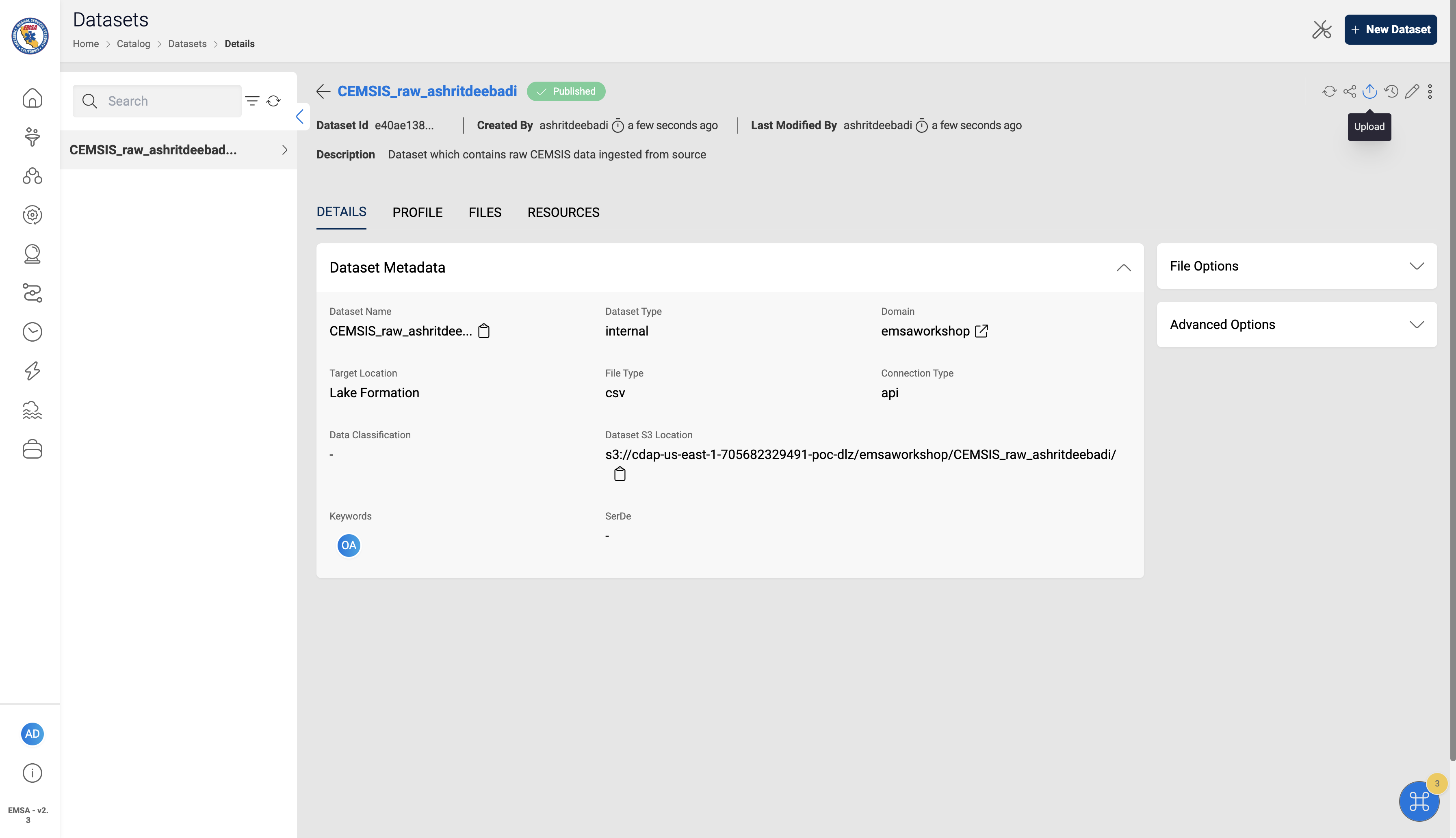
- Click on the upload icon to add data files to the dataset
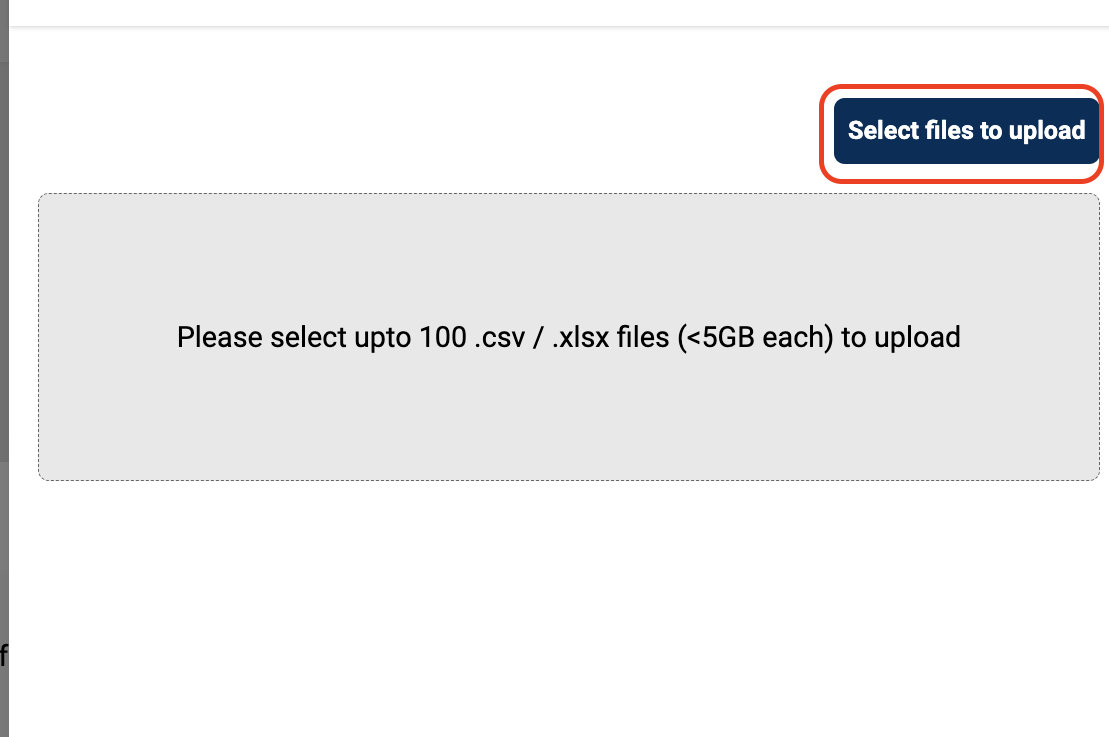
- Click
Select file to uploadand upload the sample data file
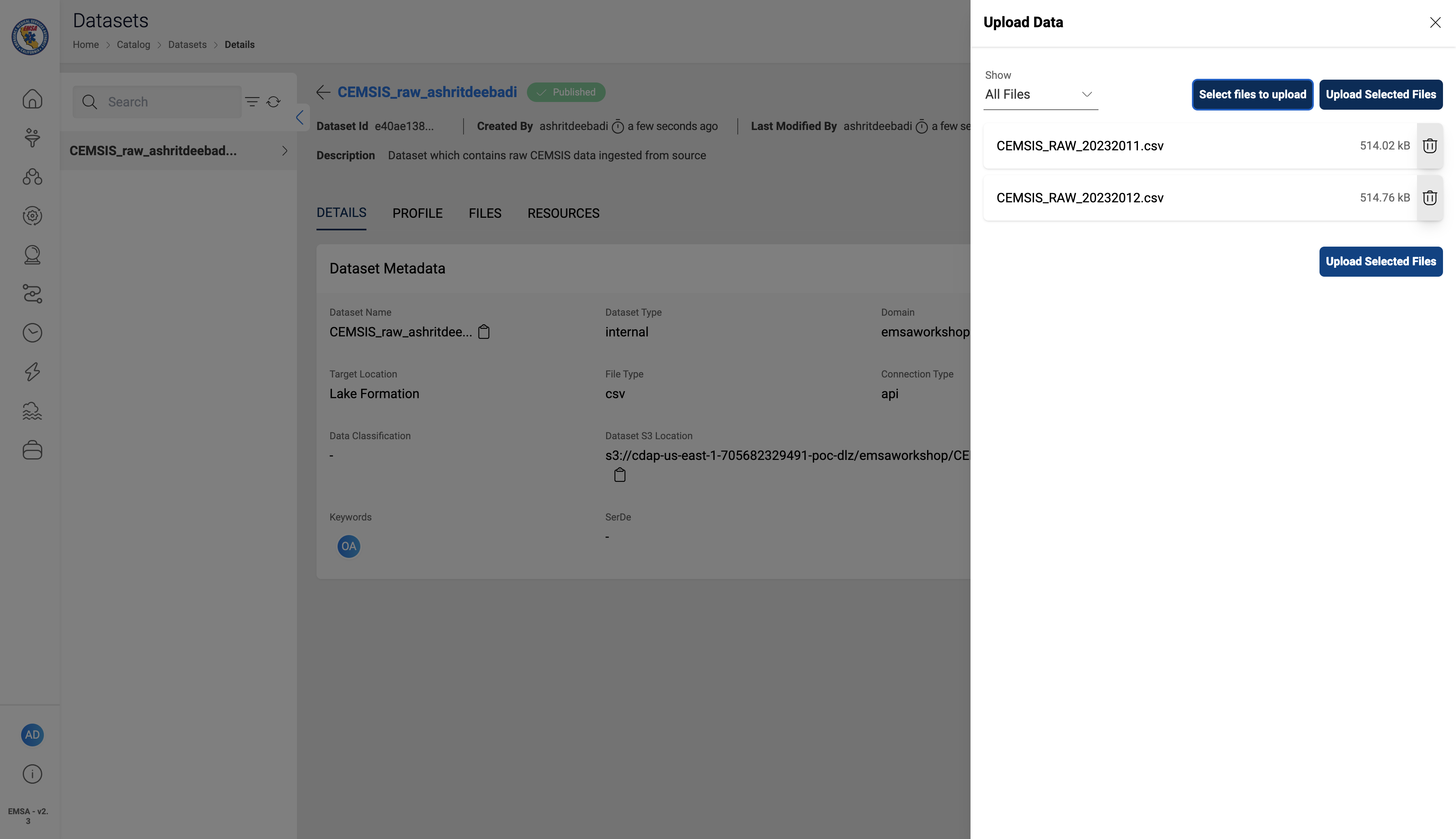
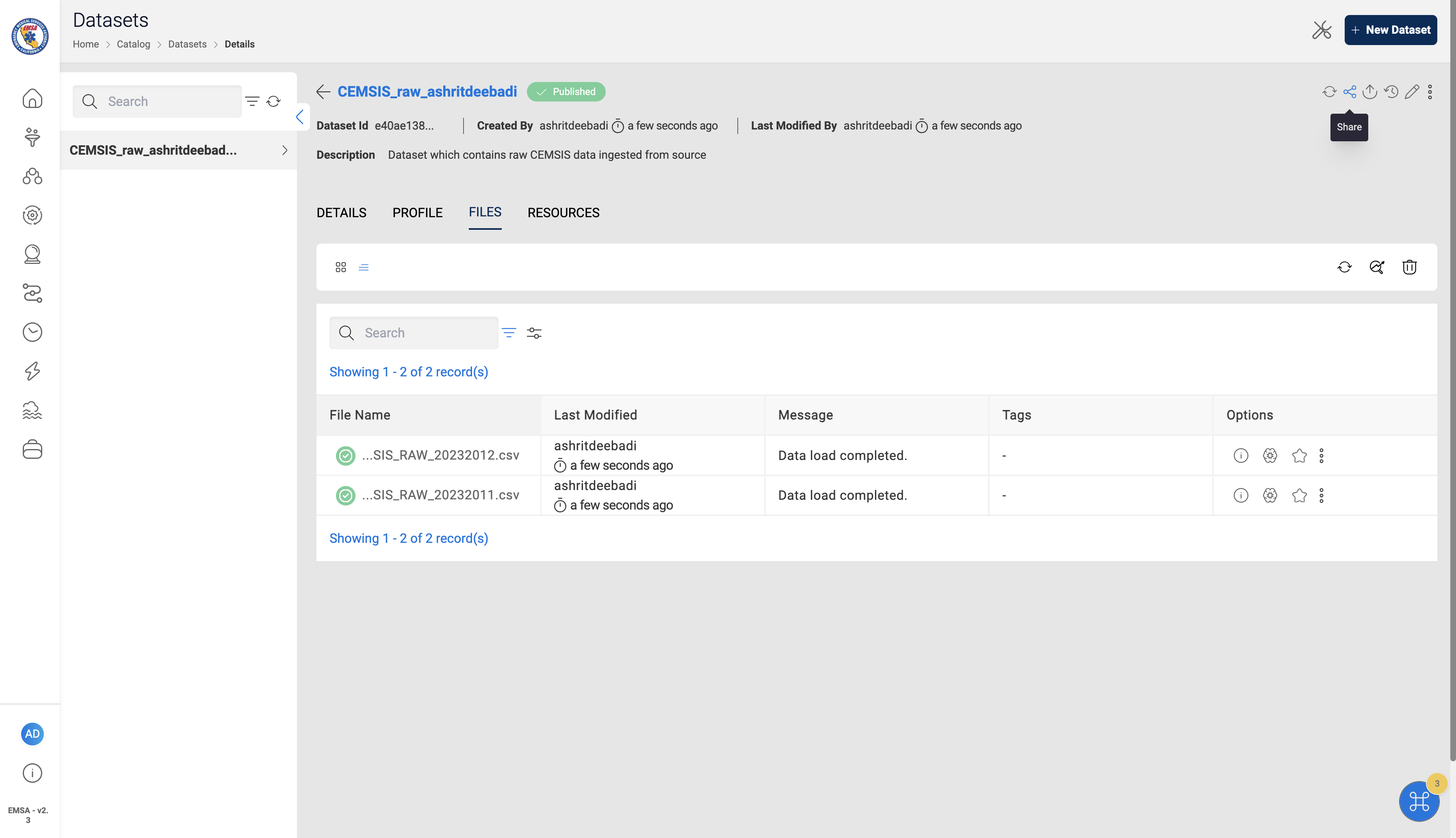
- Uploaded Files are present under the Files section of the Dataset